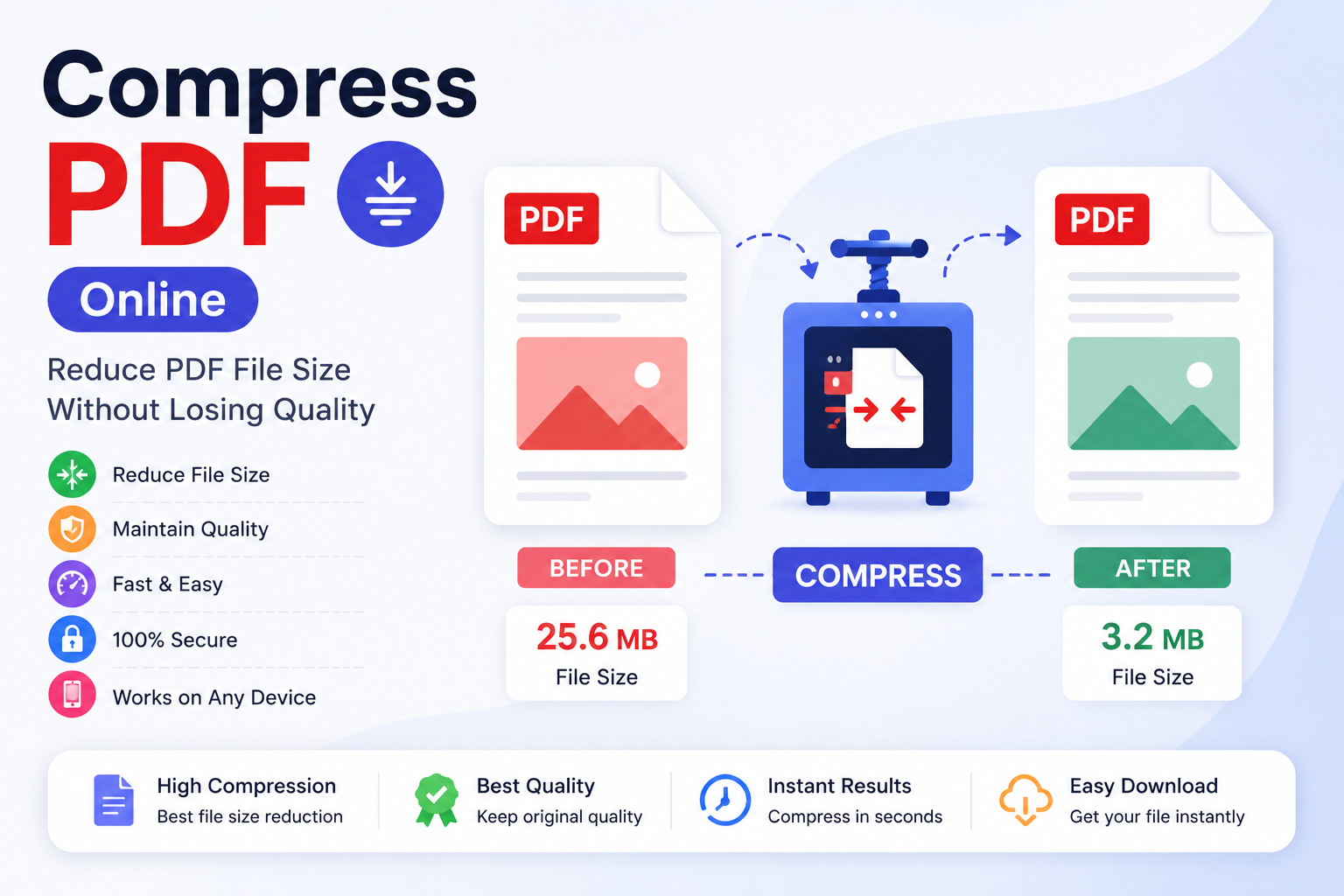
Compress PDF Online Free – Reduce PDF File Size Without Losing Quality
INTRODUCTION
The File Is Too Large. The Upload Limit Is Not Moving. Sound Familiar? You have finished preparing a proposal, a portfolio, or a form submission, and the PDF is sitting at 18 MB when the upload portal accepts a maximum of 5 MB. Emailing it is not an option either, because most inboxes push back anything above 10 MB. The content is exactly right. The problem is purely the file size, and rebuilding the document from scratch to fix it is not a reasonable solution.
The Compress PDF Online tool on ConvertorsOnline.com solves this specific problem cleanly and quickly. It takes your oversized PDF and reduces the file size by optimizing internal elements — primarily image resolution, embedded font data, and redundant metadata — while keeping the visual output sharp enough for professional use. The result is a smaller file that looks the same to the reader but behaves far better when uploading, emailing, or storing.
PDF compression is not a destructive process when done correctly. The distinction between good compression and poor compression comes down to how intelligently the tool handles image data. Aggressive compression that trades significant visual quality for file size reduction is useful only in specific scenarios. The compression approach used here targets the portions of a PDF that carry size without carrying visible value — which is why the output typically looks nearly identical to the original at a fraction of the storage footprint.
The range of people who need a PDF compressor in their regular workflow is wide. A student submitting coursework through an online portal, a freelancer attaching a design brief to an email, a recruiter uploading a formatted CV, or an accountant sending a quarterly report — all of them encounter file size limits at some point. Having a fast, private, and free tool available without installation or registration removes that obstacle in under a minute.
3. KEY FEATURES
Intelligent Image Optimization
The tool identifies and resamples embedded images within the PDF to reduce their stored resolution to a level that remains visually acceptable on screen and in print, which is typically where the largest file size savings come from.
Metadata and Redundant Data Removal
PDFs often carry embedded creator information, revision histories, and internal structural redundancies that add file size without contributing to the visible document. The compressor strips these silently during processing.
Multiple Compression Level Options
Choose between different compression intensities, from light compression that barely touches visual quality to stronger compression that prioritizes maximum file size reduction — depending on how the final file will be used.
Real-Time File Size Comparison
After compression, the tool displays both the original file size and the compressed file size side by side so you can see exactly how much space was saved before downloading the result.
Browser-Based Local Processing
Your PDF never leaves your device during compression. All processing runs within your browser, which means sensitive documents , contracts, financial files, and personal records are handled without exposure to any external server.
Instant Download After Compression
The compressed file is available for immediate download the moment processing finishes. There is no email notification to wait for, no account dashboard to log into, and no retrieval link that expires after 24 hours.
Preserves Text Sharpness
Text within the PDF is vector-based and is not affected by image compression settings, so all written content in the compressed output remains perfectly crisp regardless of the compression level selected.
Handles Multi-Page Documents
The tool processes every page of a PDF in a single operation, regardless of page count. A 50-page report compresses in one step with consistent optimization applied throughout the document.
No Watermarks Added to Output
The compressed file downloads clean — no promotional watermarks, no branding overlays, and no added pages promoting the tool. What you download is your document, nothing else.
Supports All Standard PDF Types
Documents created from Word exports, scanned files, design software outputs, presentation exports, and digitally signed PDFs all compress correctly without compatibility issues or formatting errors in the output.
Completely Free With No Session Limits
There are no daily compression limits, no per-file charges, and no premium tier that unlocks full compression quality. Every session uses the complete functionality of the tool at zero cost.
Works on All Modern Devices
The tool runs equally well on desktop computers, laptops, tablets, and smartphones. If a PDF needs compressing from a mobile device, the tool handles it without requiring an app download.
4. REAL-WORLD BENEFITS & USE CASES
Business Professionals & Office Teams
Email attachments are a daily reality in most office environments, and file size limits are a constant source of friction when sending reports, proposals, and presentation decks. A business professional preparing a quarterly review presentation exported as a PDF can compress it from 22 MB down to a size that passes through email servers and client portals without rejection. The recipient sees a clean, professional document — they have no way of knowing it was compressed, because the visual quality holds up.
Students & Academic Submitters
Online submission portals used by universities and colleges typically enforce strict file size limits, and scanned documents or image-heavy assignments frequently exceed them. A student who has scanned handwritten lab notes or a printed form as a PDF can compress the file to meet the submission threshold without needing to rescan at lower quality or use desktop software they may not have access to.
Freelancers & Creative Professionals
Portfolios, project briefs, and client proposals built in design software often export as large PDFs because of the high-resolution images embedded in them. A freelance designer sending a portfolio to a prospective client via email needs the file to arrive without getting flagged by the client's mail server. Compressing the portfolio PDF brings it to an email-friendly size while keeping the visuals sharp enough to represent the work accurately.
HR & Recruitment Professionals
Formatted CVs, job application packs, and onboarding document bundles are routinely uploaded through recruitment platforms and applicant tracking systems that impose size restrictions. An HR coordinator managing a high volume of document uploads benefits from having a quick compression tool available to process files that come in above the platform's limit, rather than chasing applicants for resubmissions.
Healthcare & Administrative Staff
Medical reports, referral letters, and patient documentation are frequently shared between practitioners and administrative departments as PDF files. Many internal systems and secure portals impose file size caps for practical storage reasons. Compressing these documents before upload keeps the workflow moving without compromising the readability of the content, which is particularly important in a documentation-sensitive environment.
Educators & E-Learning Developers
Course materials, reading packs, and assessment documents distributed through learning management systems need to load quickly for students on varying internet connections. An educator who has assembled a detailed PDF course guide with diagrams and charts can compress it to reduce load times and storage consumption on the platform, improving the experience for students accessing it on slower connections.
5. HOW TO USE COMPRESS PDF ONLINE
Step 1 — Open the Tool Go to ConvertorsOnline.com and navigate to the Compress PDF Online tool. It opens immediately in your browser — no account creation, no software download, and no waiting for a splash screen.
Step 2 — Upload Your PDF File Click the upload button to select your PDF from your device, or drag and drop the file directly onto the upload area. The tool reads the file locally and displays the original file size once the upload is complete.
Step 3 — Select Your Compression Level Choose a compression level based on how you plan to use the output. Light compression works well for documents that need to remain high quality for printing or formal distribution. Stronger compression suits files headed for email or web upload where size matters more than absolute visual perfection.
Step 4 — Start the Compression Click the Compress PDF button to begin processing. The tool optimizes your document within the browser and typically produces a result within a few seconds for standard file sizes.
Step 5 — Review the Size Reduction Once compression is complete, the tool displays the original file size alongside the compressed file size. Review the reduction to confirm it meets your requirements before downloading.
Step 6 — Download Your Compressed File Click the download button to save the compressed PDF directly to your device. The file downloads immediately with no delay, no email link, and no additional steps.
Step 7 — Verify the Output Quality Open the downloaded PDF and check a few pages to confirm the text remains sharp and any images are acceptable for your intended use. If you need more compression, return to the tool and apply a stronger setting — the original file on your device is unchanged.
6. TOOL DETAILS
Tool Name: Compress PDF Online
Also Known As: PDF Compressor, Reduce PDF Size, Shrink PDF, PDF Size Reducer, Optimize PDF
Category: PDF Tools
Purpose: Reduce the file size of a PDF document by optimizing images, removing metadata, and eliminating redundant internal data — while preserving readable document quality
Input Type: Single PDF file uploaded from your device
Output Type: Compressed PDF file available for immediate download
Processing Location: Entirely browser-based — all compression runs locally within your browser with no file transmission to any external server
Device Compatibility: Desktop, Laptop, Tablet, Mobile (Android and iOS)
Browser Support: Google Chrome, Mozilla Firefox, Microsoft Edge, Safari, Opera
Login Required: No
Cost: Completely Free — no usage limits, no premium compression tiers, no charges of any kind
Data Privacy: Your PDF is processed entirely within your browser session. No file content, document metadata, or personal data is uploaded to, stored on, or accessible by any external server at any point during or after compression.
Related Tools: Merge PDF, Split PDF, Edit PDF, PDF to Word, Word to PDF, Protect PDF, Add Watermark, Delete PDF Pages — all available on ConvertorsOnline.com
7. WHY CHOOSE THIS TOOL ON CONVERTERSONLINE.COM
Most PDF compression tools available online fall into a familiar pattern — they work well enough for small files, but the moment you upload something substantial, a pop-up appears asking you to subscribe for full compression capability. The Compress PDF Online tool on ConvertorsOnline.com does not operate that way. The compression quality you receive on your first file is the same compression quality you receive on your hundredth, with no paywall appearing between you and a usable result.
The browser-based processing model is a deliberate design choice rather than a technical limitation, and it matters more than most users initially realize. When a compression tool processes your file on a remote server, your document travels across the internet twice — once going in, once coming back — and sits on external infrastructure during processing. For personal documents, business files, or anything containing information you would not share publicly, that round trip carries risk that simply does not exist when processing happens within your own browser. The Compress PDF Online tool eliminates that risk by keeping your file on your device throughout the entire process.
Speed is another area where local processing consistently outperforms server-dependent tools. There is no upload queue, no server load variability, and no processing delay caused by high traffic periods. Your file compresses at the speed your browser can handle it, which, for typical PDF sizes, means results within seconds rather than the buffering wait that server-based tools often impose.
The ConvertorsOnline.com ecosystem adds practical continuity to the compression workflow. If the file you need to compress was originally assembled from multiple documents, the Merge PDF tool on the same platform handled the combining step. If the compressed output still needs specific pages removed before distribution, the Delete PDF Pages tool is a click away. If you need to convert the compressed PDF into a Word document for further editing, PDF to Word is available in the same place. The tools connect naturally because they live on the same platform — no new tabs, no new accounts, no switching between services.
For anyone who regularly works with PDF documents, a reliable compression tool is not an occasional luxury — it is a practical necessity. File size limits exist everywhere: email servers, submission portals, cloud storage quotas, content management systems, and client-facing platforms all impose them. Having a fast, private, and completely free compression tool available without setup means that the limit is never the thing that holds your work up.
8. FREQUENTLY ASKED QUESTIONS
Q1: How much can I expect the file size to be reduced by? The amount of compression achieved varies depending on what the PDF contains. Documents that are image-heavy — such as scanned files, portfolios, or presentation exports — typically see the most significant reductions, sometimes dropping to 20–40% of the original size. Text-heavy documents with minimal images compress less dramatically because text data is already stored efficiently in PDF format. The tool displays both the original and compressed sizes after processing, so you always know exactly what was achieved.
Q2: Will compressing my PDF make the text blurry or harder to read? Text in a PDF is stored as vector data rather than image data, which means it is not affected by image compression settings. Text in your compressed output will remain perfectly sharp at any zoom level. Images within the document may show a slight reduction in fine detail at very high magnification under strong compression settings, but for standard on-screen reading and printing purposes, the difference is typically not noticeable.
Q3: Is my PDF file kept private when I compress it through this tool? Yes, entirely. The Compress PDF Online tool processes your file locally within your browser, which means the document never leaves your device. Nothing is uploaded to any server, nothing is stored in any database, and nothing is accessible to anyone other than you. Once you close the browser tab, the session data is cleared completely. This applies to every file you compress, whether it is a personal CV or a confidential business contract.
Q4: Can I compress a PDF that I previously merged using the Merge PDF tool? Absolutely. A common workflow is to combine multiple PDF files using the Merge PDF tool on ConvertorsOnline.com and then compress the resulting merged document to bring the combined file size down to an email or upload-friendly size. Both tools are free and available on the same platform, making this a straightforward two-step process without switching between different services.
Q5: Does the tool work on mobile phones and tablets? Yes. The Compress PDF Online tool is fully responsive and works correctly on current versions of mobile browsers including Chrome on Android and Safari on iOS. You can upload a PDF from your phone's local storage or cloud drive, compress it, and download the result — all from a mobile device. For larger files, a stable connection improves the experience but is not strictly required for standard document sizes.
Q6: What types of PDF files can I compress with this tool? The tool handles all standard PDF files regardless of how they were created. This includes documents exported from Microsoft Word or Excel, PDFs generated by design software such as Adobe InDesign or Illustrator, scanned document PDFs, presentation exports, and PDFs downloaded from websites. If the file opens correctly as a PDF on your device, it will compress correctly through this tool.
Q7: If I need to edit my PDF after compressing it, is there a tool for that on ConvertorsOnline.com? Yes. The Edit PDF tool on ConvertorsOnline.com allows you to make changes to a PDF after it has been compressed. You can also use the PDF to Word tool if you need to convert the compressed document back into an editable Word format for more substantial revisions. Both tools are free and available on the same platform.
Q8: Is there a file size limit for what I can upload to the compressor? The tool is built to handle standard PDF file sizes without requiring pre-processing before upload. Very large files — such as high-resolution architectural drawings or extensive image portfolios running into hundreds of megabytes — may process more slowly on older devices with limited available memory, but there is no hard upload size cap that rejects your file outright. For extremely oversized files, splitting the document into sections using the Split PDF tool first and then compressing each section individually can produce better results.
9. CONCLUSION
Smaller File. Same Document. No Compromise.File size should never be the reason a well-prepared document fails to reach its destination. The Compress PDF Online tool on ConvertorsOnline.com removes that obstacle reliably, privately, and without cost — giving you a compressed PDF that meets upload limits, passes through email servers, and loads quickly without looking like it was squeezed through a low-quality filter.
What makes this tool worth keeping in your regular workflow is the combination of things it does not do — it does not add watermarks, does not store your files, does not require an account, and does not reserve the best compression quality for paying subscribers. The output you get is clean, the process is straightforward, and the privacy guarantee is built into how the tool works rather than written into a terms-of-service document nobody reads.
The next time a file size limit stands between your document and where it needs to go, open ConvertorsOnline.com and let the Compress PDF Online tool handle it. It takes less time than writing an apology email to the recipient explaining why the attachment bounced.