Edit PDF Online for Free – Quick & Easy PDF Editing Without Software
INTRODUCTION
You sent a PDF contract to a client, and the moment they opened it, you spotted a typo in the company address. The file is locked, your original Word document is buried somewhere on an old laptop, and the deadline is two hours away. Sound familiar? Most people have been in exactly this spot, and the frustration of not being able to fix a finished PDF document is one of those small problems that can derail an otherwise smooth workday.
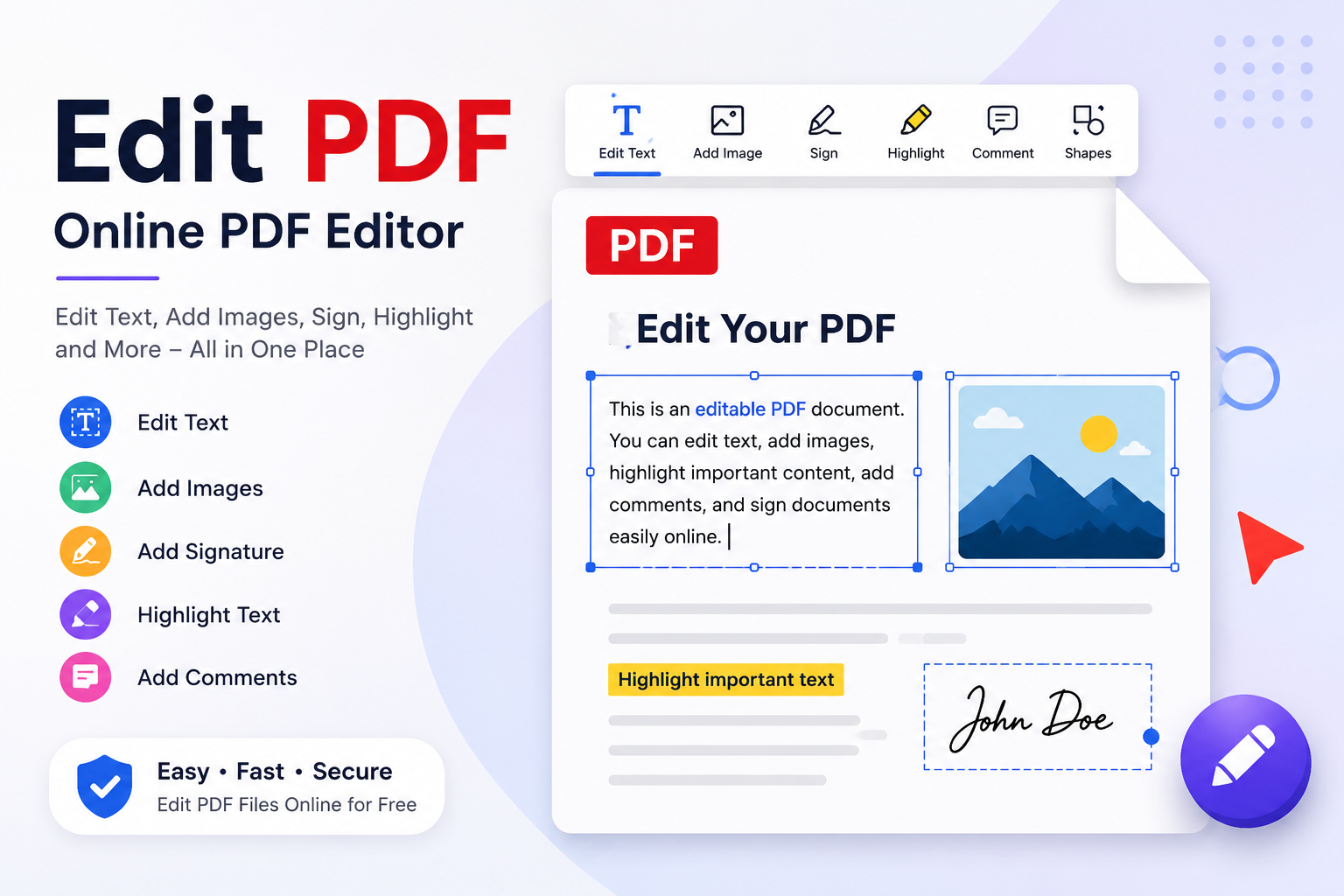
That is precisely where the Edit PDF Online tool on ConvertorsOnline.com steps in. It lets you open any PDF file directly in your browser and make changes to it without needing to install Adobe Acrobat, download any software, or even create an account. You can add or replace text, insert images, move elements around, annotate pages, and save your changes as a clean, updated PDF file. The whole process takes minutes, and it works on any device with a browser.
What makes this tool genuinely useful is the fact that it handles the two things PDF editors usually get wrong: speed and simplicity. Many online editors load slowly, break formatting, or lock key features behind a paywall. This one keeps the interface clean, loads your file quickly, and gives you access to the editing functions you actually need without burying them under layers of menus.
Whether you are a freelancer updating a proposal, a student annotating lecture notes, a small business owner correcting a product brochure, or a professional adding a signature to a legal document, this tool was built for exactly that kind of real, practical use.
3. KEY FEATURES
- Direct In-Browser PDF Editing: No software installation is required at any point. You open the tool, upload your PDF, and start editing right inside your browser tab, whether you are on Chrome, Firefox, Safari, or Edge.
- Text Insertion and Replacement: Place new text anywhere on a PDF page by clicking the spot where you want it to appear. You can choose font size and style so that the added text visually matches the surrounding content.
- Image Insertion: Upload and place images directly onto any page of your PDF. This is useful for adding logos, signatures, stamps, or visual elements to an existing document without rebuilding it from scratch.
- Freehand Drawing and Annotation: Use the drawing tool to highlight sections, circle items, or add handwritten notes on top of any page. This is particularly handy for review workflows where visual markup communicates more clearly than written comments.
- Highlight and Underline Tools: Select existing text within the PDF and apply highlights or underlines to draw attention to specific passages. These work cleanly on text-based PDFs without distorting the original layout.
- Sticky Note Comments: Add pop-up sticky notes to any part of the document. The notes stay attached to their position on the page, which keeps feedback organized without cluttering the visible layout.
- Shape and Line Tools: Draw rectangles, circles, arrows, and straight lines over the PDF content. These are especially useful when marking up floor plans, diagrams, forms, or any document that needs visual callouts.
- White-Out and Redaction: Cover sensitive text or unwanted content with a white box overlay. This lets you obscure information before sharing a document, which is a quick solution when formal redaction is not available.
- Page Management Controls: Reorder, rotate, or delete individual pages within your PDF without leaving the editor. If your document has pages in the wrong sequence, you can fix the order and re-export in one session.
- Form Field Filling: Fill in existing form fields on interactive PDFs, including text boxes, checkboxes, and dropdown selections. This saves you from printing a form, filling it by hand, and scanning it back in.
- Signature Placement: Draw a freehand signature, type one in a stylized font, or upload an image of your existing signature and place it precisely where the document requires it.
- Multi-Page Navigation: Move through long documents fluidly using the page navigation panel. The thumbnail view lets you jump to any page instantly without scrolling through the entire file.
- Zoom and Precision Editing: Zoom into specific sections of a page for accurate text placement or annotation positioning. This matters a lot when you are working on dense documents with small text or tight layouts.
- Instant Download of Edited File: Once you finish editing, download the updated PDF immediately. There is no waiting period, no email delivery, and no forced account creation before you can get your file back.
4. REAL-WORLD BENEFITS AND USE CASES
Students
Students regularly receive PDF lecture slides, research papers, and assignment briefs that they need to annotate for study purposes. Rather than printing dozens of pages and marking them up by hand, they can use the Edit PDF Online tool to highlight key passages, add margin notes, and keep everything organized digitally. For example, a student preparing for an exam could annotate a 40-page PDF study guide with highlights and sticky notes, then save it as a reference document without printing a single page.
Business Professionals
Contracts, proposals, invoices, and reports all pass through PDF format in most professional settings, and minor corrections often come up after the file has already been generated. A business professional can use this tool to fix a wrong date on a signed agreement, add a company stamp to a quotation, or insert a signature block on a document that was sent without one. Instead of regenerating the entire file from its source, they make the specific change they need and move on.
Freelancers and Designers
Freelancers who submit work proposals or project briefs in PDF format often need to update pricing, scope, or contact details before sending to a new client. A graphic designer, for instance, might maintain a standard proposal template in PDF form and use the editor to update the client name, project title, and cost figures before each submission, keeping their workflow efficient without maintaining a complex editable source file.
Teachers and Educators
Educators who distribute PDF worksheets, rubrics, or reading materials often need to add instructions, annotations, or last-minute corrections before sharing with a class. A teacher could quickly add a clarifying note to a quiz PDF or highlight the sections students should focus on, then re-share the annotated version, all without touching the original document layout.
Administrative and Office Staff
Office administrators handle a constant stream of forms, reports, and internal documents that need minor adjustments before filing or distribution. Using the PDF editor, they can fill in form fields, add signatures, correct errors, and stamp documents with approval marks without routing files through a full document management system. For straightforward tasks like updating an address on a vendor form or adding initials to a policy document, this tool handles it cleanly and quickly.
Marketers and Content Creators
Marketing teams regularly produce PDF brochures, media kits, and campaign reports that may need quick copy edits or visual updates between versions. A marketer can use the tool to swap out a headline, update a discount figure, or add a new logo before sending a one-pager to a prospect, without requesting a full redesign from the creative team.
5. HOW TO USE EDIT PDF ONLINE
Open the Edit PDF Online tool on ConvertorsOnline.com by navigating to the PDF Tools section and selecting it from the available tools.
Upload your PDF file by clicking the upload button and selecting the file from your device, or drag and drop it directly into the upload area. The file will load into the editor within a few seconds, depending on its size.
Select the editing tool you need from the toolbar at the top or side of the editor. Choose from text, image, annotation, drawing, shape, or form-fill tools based on what your document requires.
Apply your changes by clicking directly on the area of the page you want to modify. For text additions, click the spot and begin typing. For images or shapes, position them by dragging them into place after insertion.
Review every page of your edited document using the page navigation panel to confirm all changes appear correctly and the overall layout is intact.
Adjust any elements that need repositioning or resizing before finalizing. The zoom tool helps when working in tight or text-dense areas of the document.
Download the completed file by clicking the download or save button. Your updated PDF will be saved directly to your device, ready to send, upload, or print.
6. TOOL DETAILS
- Tool Name: Edit PDF Online
- Also Known As: Online PDF Editor, Browser-Based PDF Editing Tool, Free PDF Modifier
- Category: PDF Tools
- Purpose: Allows users to add text, images, annotations, shapes, signatures, and form fills to existing PDF files directly in a web browser, without any software installation
- Input Type: PDF file (.pdf)
- Output Type: Edited PDF file (.pdf)
- Processing Location: Browser-based, client-side processing with no permanent server storage of uploaded files
- Device Compatibility: Desktop computers, laptops, tablets, and smartphones
- Browser Support: Google Chrome, Mozilla Firefox, Microsoft Edge, Safari, Opera
- Login Required: No
- Cost: Free
- Data Privacy: Files are processed without being permanently stored on external servers. Uploaded documents are not accessed, shared, or retained after the session ends.
- Related Tools: PDF Compressor, PDF to Word Converter, Merge PDF, Split PDF, PDF to JPG Converter, Word to PDF Converter, Rotate PDF, Unlock PDF
7. WHY CHOOSE THIS TOOL ON CONVERTERSONLINE.COM
Most PDF editing tools available online fall into one of two frustrating categories: they are either packed with features but require a subscription to access even basic functions, or they are free but so stripped down that they can only add a text box to a blank area. The Edit PDF Online tool on ConvertorsOnline.com sits in a more practical place. It gives you the editing capabilities that cover the vast majority of real document tasks, and it does so without a paywall, an account requirement, or a file size limit that kicks in at an inconvenient moment.
Speed is one area where this tool consistently holds up. PDF files uploaded here load into the editor quickly, even with multi-page documents or files that contain embedded images. The editor itself responds without lag when you are placing text, repositioning elements, or switching between tools. That responsiveness matters when you are working under time pressure and do not have the patience for a slow-loading screen between every action.
Privacy is handled seriously here. Your uploaded PDF is processed for editing purposes and then released. The platform does not store your documents on a persistent server, does not log the content of what you upload, and does not pass your files through third-party processing pipelines. For anyone editing documents that contain personal data, financial figures, legal language, or confidential business content, handling matters is more than most people realize until something goes wrong elsewhere.
Being part of the ConvertorsOnline.com ecosystem means this tool sits alongside every other PDF utility you might need in the same session. If you edit a document and then realize it is too large to email, the PDF Compressor on the same platform reduces the file size without re-opening a different website. If you need to extract the edited content into a Word document for further revision, the PDF to Word Converter handles that directly. You stay in one place, use tools that are built to work in the same environment, and avoid the friction of jumping between four different websites to complete what is ultimately one workflow.
The interface is also worth mentioning because it avoids a common problem with free online tools: clutter. No pop-up prompts are asking you to upgrade, no banner interruptions between steps, and no deceptive buttons placed near the download option. What you see when you open the editor is the tool, and that is it.
8. FREQUENTLY ASKED QUESTIONS
Can I edit a scanned PDF using this tool?
Scanned PDFs are image-based files, meaning the text inside them is part of a picture rather than selectable characters. This editor works best with text-based PDFs where the content was generated digitally. For scanned documents, you can still annotate over them, add text boxes on top, insert shapes, and place signatures, but you cannot edit the original scanned text itself the way you would in a word processor.
Is my uploaded PDF stored on your servers after editing?
No. ConvertorsOnline.com processes your file for the purpose of enabling edits within the browser session, but your document is not stored permanently on any server. Once your session ends or you navigate away, the file is no longer accessible through the platform. You should always download your edited file before closing the browser tab.
What other PDF tools are available alongside this editor?
ConvertorsOnline.com offers a full range of PDF utilities that complement the editor. After editing your document, you might use the PDF Compressor to reduce the file size, the Merge PDF tool to combine it with another document, or the Split PDF tool to separate specific pages. All of these tools are available without switching platforms or creating separate accounts.
Does the tool work on mobile phones and tablets?
Yes. The editor is built to function on mobile browsers, so you can open it on an iPhone, Android phone, or tablet and perform edits without needing a desktop computer. The touch interface allows you to tap to place text, drag elements into position, and use annotation tools with your finger. For detailed work on small screens, the zoom feature helps you work accurately on specific sections.
Will the formatting of my PDF change after editing?
The existing layout, fonts, and structure of your PDF remain intact. The editor overlays your additions on top of the original content rather than reprocessing the entire document structure. This means your original formatting stays as it was, and only the elements you deliberately add or modify will appear different in the output file.
Can I use this tool to fill in PDF forms?
Yes. If your PDF contains interactive form fields such as text input boxes, checkboxes, or dropdown menus, you can click into those fields and fill them in directly through the editor. For non-interactive forms where fields are printed as static lines, you can use the text insertion tool to type your responses into the appropriate areas manually.
Is there a file size limit for uploads?
The tool handles most standard PDF files without issues. Very large files, such as high-resolution design documents or PDFs with hundreds of pages, may take slightly longer to load into the editor, but the process completes without requiring you to compress the file beforehand. If you do want to reduce a file before or after editing, the PDF Compressor on ConvertorsOnline.com is a quick way to handle that.
Do I need to create an account to use this tool?
No account is needed at any stage. You open the tool, upload your file, make your edits, and download the result, all without registering, logging in, or providing an email address. This keeps the process private and removes the step that most people find unnecessarily tedious when using free online tools.
9. CONCLUSION
A PDF should never be the reason a document gets delayed, resent, or reprinted from scratch. The Edit PDF Online tool on ConvertorsOnline.com treats that problem practically: you have a file, something in it needs changing, and the tool helps you change it without a complicated setup or a software license standing in your way. Whether it is a signature, a corrected figure, an annotation for a colleague, or a missing logo on a client-facing document, the edit gets made in minutes, and the file comes back to you ready to use.
What makes this tool worth returning to is that it respects your time and your privacy equally. There are no barriers between you and the editing interface, no persistent storage of your sensitive documents, and no workflow interruptions designed to push you toward a paid plan. It is built to be the tool you reach for first because it consistently does what you need it to do.
If you have a PDF that needs editing right now, the tool is already waiting for you at ConvertorsOnline.com. Open it, upload your file, make your changes, and download the result. That is the whole process, and that simplicity is exactly the point.