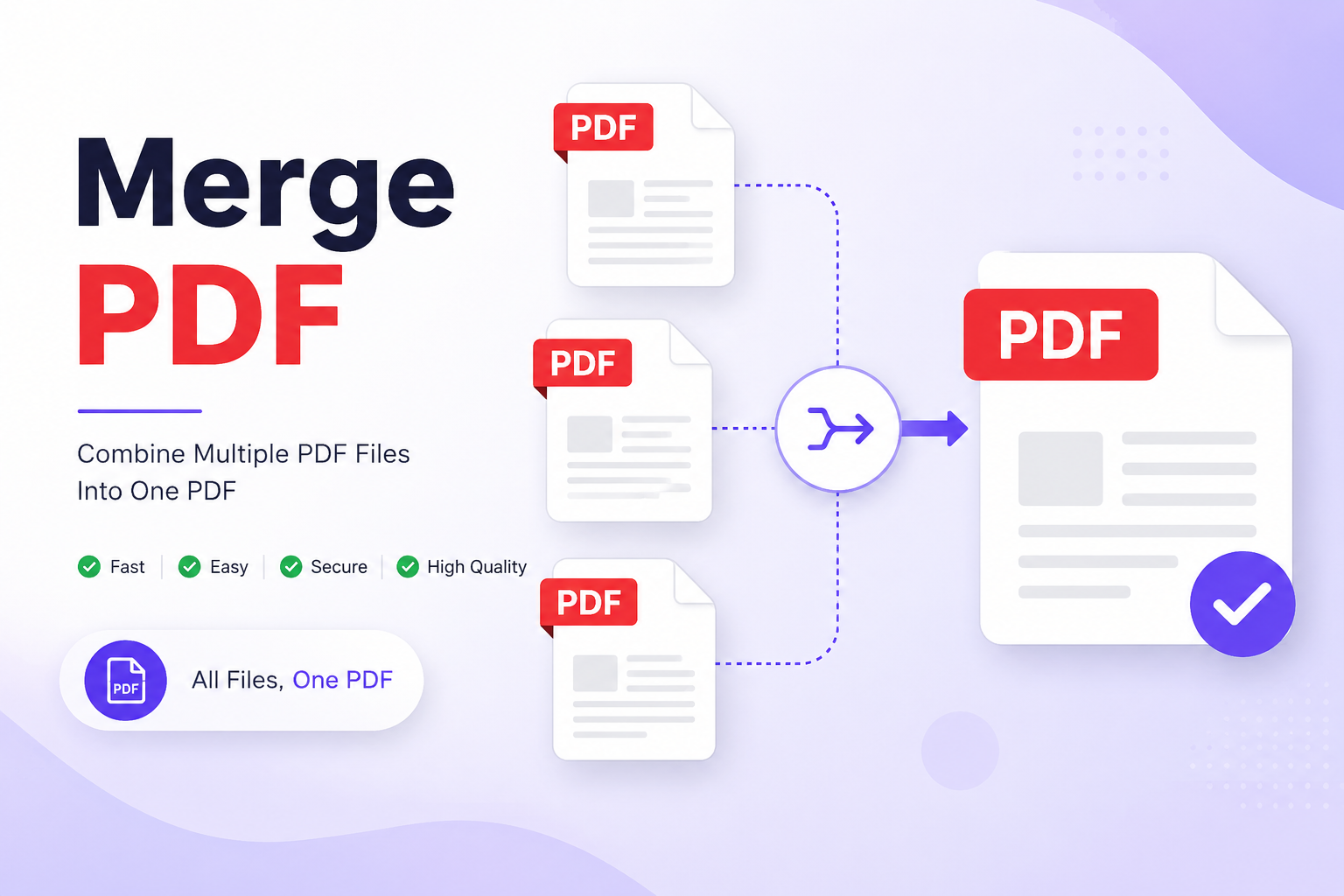
Merge PDF Online Free – Combine Multiple PDF Files Into One
INTRODUCTION
Seven Files. One Document. Done. You have just finished a project proposal. The main report is one PDF, the financial breakdown is another, the appendix is a third, and the supporting images were scanned as two separate files. Now your client is asking for everything in a single, clean document — and you are staring at five separate files, wondering how to pull this together without paying for desktop software or emailing everything to an online service that may or may not keep your files private.
This is where the Merge PDF tool on ConvertorsOnline.com comes in. It lets you take multiple PDF files and combine them into a single, properly ordered document — directly in your browser, without installing anything, without creating an account, and without uploading your files to a third-party server. The process takes about thirty seconds once you know the steps, and the output is a clean, properly structured PDF ready to share or archive.
Merging PDFs is not a niche task reserved for office professionals. Students compile research chapters, lawyers assemble case documents, architects combine drawing sets, and HR teams bundle onboarding packs — all with the same fundamental need: multiple files, one destination. A dedicated merge tool removes the friction from that process entirely.
If you have been emailing yourself files, dragging them into paid desktop applications, or relying on printer software just to combine a few pages, there is a faster way. The Merge PDF tool on ConvertorsOnline.com is free, straightforward, and does exactly what it says without making you jump through hoops to use it.
3. KEY FEATURES
Multi-File Upload Support: Upload two files or twenty — the tool accepts multiple PDF files in a single session, letting you build your merged document from as many sources as you need without any artificial file count restrictions.
Custom Page Order Control: Drag and rearrange your uploaded files into exactly the order you want before merging. The final document reflects your chosen sequence, not the order files happened to be uploaded.
Fast Browser-Based Processing Merging happens directly within your browser without routing your files through any external server. Processing is quick regardless of how many files you are combining, and results are typically ready within seconds.
No File Quality Loss The merged output preserves the original resolution, formatting, fonts, and embedded elements of every source file. Nothing gets compressed, degraded, or reformatted during the merge process.
Secure Local Processing Because the tool runs entirely in your browser, your PDF files never leave your device. This is particularly important when working with confidential documents such as contracts, financial reports, or personal records.
Works With All Standard PDFs The tool handles PDFs created from any source — Word documents converted to PDF, scanned files, exported spreadsheets, design exports, and digitally signed documents all merge correctly without compatibility errors.
No File Size Anxiety: You do not need to compress your files before merging. The tool handles standard file sizes without forcing you to pre-process your documents just to get them through the upload step.
Download Output Instantly: Once the merge is complete, your combined PDF downloads directly to your device. There is no email link, no waiting period, and no account needed to retrieve your file.
Completely Free to Use: There are no credits to purchase, no daily merge limits, and no premium tier required to access full functionality. Every merge session uses the complete feature set at zero cost.
Clean and Distraction-Free Interface The upload area is clear, the controls are intuitive, and the layout keeps you focused on the task. There are no confusing menus or unnecessary steps between uploading your files and downloading your result.
Mobile-Compatible Design The tool works on smartphones and tablets as well as desktop computers. If you need to merge PDFs on the go from your phone, the interface adjusts to your screen size without breaking the functionality.
Supports Password-Protected PDFs If your source files are password-protected, the tool prompts you to enter the password so those files can be included in the merge, ensuring you are not blocked from combining secured documents you legitimately own.
4. REAL-WORLD BENEFITS & USE CASES
Business Professionals:
Assembling a complete proposal, contract package, or board report from multiple separately created documents is a weekly task for many professionals. Rather than paying for Acrobat subscriptions or sending sensitive documents to unknown services, a business professional can drag all relevant files into the Merge PDF tool, arrange them in the correct order, and download a single polished document in under a minute. When a client needs everything in one attachment — cover letter, scope of work, pricing breakdown, and terms — this tool delivers that in one clean step.
Students & Academic Users
A dissertation, thesis, or research portfolio often comes together from separate chapters written and saved at different times. Students also frequently need to combine assignment sheets, reference pages, and cover sheets into one submission file. The Merge PDF tool removes the need to borrow paid software from a computer lab or spend time on complicated workarounds. One upload session, one download, and the submission is ready.
Legal & Administrative Professionals
Law firms and administrative teams routinely deal with multi-part documents — evidence bundles, contract annexures, regulatory submissions, and case files. These documents are often sensitive, which makes browser-based local processing a significant advantage. Files are merged without ever leaving the device, which aligns with the confidentiality requirements that legal and compliance work demands.
Freelancers & Designers
A graphic designer delivering a project to a client might have a final design file, an invoice, usage rights document, and an asset guide — all as separate PDFs. Merging these into one organized delivery package looks professional and saves the client from managing multiple attachments. The Merge PDF tool handles this in one session without requiring any design software.
Educators & Trainers:
Teachers who prepare printed or digital course packs often combine lecture notes, supplementary readings, exercises, and answer keys into a single distributable document. Rather than dealing with document assembly software, an educator can simply upload each component file, arrange them in curriculum order, and merge them into one complete pack for students.
5. HOW TO USE MERGE PDF
- Step 1 — Open the Tool. Go to ConvertorsOnline.com and navigate to the Merge PDF tool. It loads instantly in your browser — no installation required and no login prompt to get past.
- Step 2 — Upload Your PDF Files. Click the upload area or drag and drop your PDF files directly into the tool. You can select multiple files at once from your device, or add them one by one if you prefer.
- Step 3 — Arrange the File Order Once your files appear in the tool, drag them into the sequence you want them to appear in the final merged document. The first file in the list becomes the first section of your output.
- Step 4 — Review Your File List Check that all the correct files are present and in the right order. Remove any file you added by mistake by clicking the remove option next to it before proceeding.
- Step 5 — Click the Merge Button. Press the Merge PDF button to begin combining your files. Processing happens in your browser and typically completes within a few seconds, depending on file sizes.
- Step 6 — Download Your Merged PDF Once processing is complete, your combined PDF is ready. Click the download button to save the merged file directly to your device.
- Step 7 — Verify the Output Open your downloaded PDF and confirm that all pages are present, in the correct order, and displaying as expected before sharing or submitting the document.
6. TOOL DETAILS
Tool Name: Merge PDF
Also Known As: PDF Merger, Combine PDF, Join PDF Files, PDF Combiner
Category: PDF Tools
Purpose: Combine two or more PDF files into a single, properly ordered PDF document
Input Type: Multiple PDF files uploaded from your device
Output Type: Single merged PDF file available for immediate download
Processing Location: Entirely browser-based — no files are transmitted to external servers
Device Compatibility: Desktop, Laptop, Tablet, Mobile (Android and iOS)
Browser Support: Google Chrome, Mozilla Firefox, Microsoft Edge, Safari, Opera
Login Required: No
Cost: Completely Free — no credits, no limits, no subscriptions
Data Privacy: All PDF files are processed locally within your browser. No file content is uploaded, stored, or accessed by any third party at any point during or after the merge process.
Related Tools: Split PDF, Compress PDF, Edit PDF, Rotate PDF, Delete PDF Pages, Rearrange PDF Pages, Protect PDF, Add Watermark — all available on ConvertorsOnline.com
7. WHY CHOOSE THIS TOOL ON CONVERTERSONLINE.COM
Most people who need to merge PDFs occasionally do not want to pay for a monthly subscription to desktop software they will use a handful of times a year. The free online alternatives are often cluttered with misleading download buttons, upload size restrictions, or file count limits that stop you halfway through a task. The Merge PDF tool on ConvertorsOnline.com was built around none of those compromises — it is genuinely free, genuinely unlimited for standard use, and genuinely straightforward.
The local processing model is a meaningful advantage that goes beyond a marketing claim. When you merge files through a server-based tool, your documents travel across the internet and sit on someone else's infrastructure, even briefly. For contracts, financial reports, medical records, or any document containing information you would not post publicly, that exposure carries real risk. Processing everything within your own browser eliminates that risk.
Speed is another area where this tool holds up well in practice. No upload progress bar stalls at 97%, no server queue to join during peak hours, and no email notification system to wait on. You upload, you arrange, you merge, you download — the whole process moves at the pace of your own connection rather than a shared server's availability.
The broader ConvertorsOnline.com ecosystem adds practical value that a standalone merge tool cannot offer. If your merged document is too large to send by email, the Compress PDF tool brings the file size down without degrading quality. If certain pages need to be removed before the final merge, the Delete PDF Pages tool handles that in the same browser session. If the finished document needs a watermark before distribution, the Add Watermark tool is a few clicks away. Everything connects without switching platforms.
For anyone who regularly works with PDF documents — whether that is once a week or several times a day — having a reliable, private, and free merge tool available without setup or subscription is one of those small workflow improvements that quietly saves a meaningful amount of time over months of use.
8. FREQUENTLY ASKED QUESTIONS
Q1: How many PDF files can I merge at once? The Merge PDF tool supports combining multiple files in a single session without a strict file count ceiling for standard use. You can merge two documents or combine an entire folder of related PDFs into one comprehensive file. For very large batches, performance may vary slightly depending on your device's available memory, but the tool handles typical multi-file merges without issue.
Q2: Are my PDF files kept private when I use this tool? Yes, completely. The merge process runs entirely within your web browser, which means your files are never uploaded to any external server, never stored in any database, and never transmitted over the internet during processing. Once you close the browser tab, nothing from your session is retained anywhere. This makes the tool appropriate for sensitive documents, including legal files, financial records, and personal documents.
Q3: Will the merged PDF maintain the original quality of my source files? The merging process does not reprocess, compress, or alter the content of your source PDFs. Text remains sharp, images retain their original resolution, and any embedded fonts or interactive elements carry through to the combined file exactly as they appeared in the originals. You should not notice any quality difference between your source files and the corresponding pages in the merged output.
Q4: What should I do if I need to remove certain pages before merging my files? If specific pages within a source file should be excluded from the final merged document, use the Delete PDF Pages tool on ConvertorsOnline.com to remove those pages first, then bring the cleaned file into the Merge PDF tool. Both tools are available on the same platform, so you can manage the entire preparation and assembly workflow without leaving the site.
Q5: Can I merge PDF files that were created from scanned documents? Yes. The tool merges all standard PDF files regardless of how they were created — whether exported from Word, generated by design software, produced by a scanner, or downloaded from a web source. Scanned PDF files merge in the same way as digitally created ones, and the pages display in the output exactly as they appeared in the source file.
Q6: Does the Merge PDF tool work on iPhone or Android devices? The tool is fully functional on modern smartphones running current versions of iOS Safari and Android Chrome. The interface is responsive and adapts to smaller screens, so you can upload files from your phone's storage, arrange them, and download the merged result without needing a desktop computer. For very large files, a stable Wi-Fi connection improves the experience on mobile.
Q7: Is there a file size limit for the PDFs I want to merge? The tool handles standard PDF file sizes without requiring pre-compression. Very large files — such as high-resolution image-heavy reports running into hundreds of megabytes — may process more slowly on older devices with limited memory, but there is no hard file size cap that rejects your upload outright. If your merged output is larger than needed for sharing purposes, the Compress PDF tool on ConvertorsOnline.com can reduce the file size after merging.
Q8: Do I need to create an account or provide an email address to download my merged file? No account, email address, or personal information of any kind is required at any step. You open the tool, upload your files, merge them, and download the result — all without any registration or identity verification. The download is immediate and direct to your device.
9. CONCLUSION
One Tool, One Output, No Complications
Managing multiple PDF files is a routine part of working life for a wide range of people, and the friction of combining them should not be a part of the process that slows everything down. The Merge PDF tool on ConvertorsOnline.com takes that friction away. Upload your files, set the order, merge, and download. It is a workflow step that takes less than a minute once you have done it once.
What makes this tool worth returning to is not just the ease of the first use — it is the consistency. It works the same way every time, on every device, without suddenly requiring a login or placing a limit on how many files you can combine. Privacy, speed, and reliability are built into how the tool functions, not listed as premium features.
The next time you are looking at a folder of related PDF files that need to become one document, head to ConvertorsOnline.com and open the Merge PDF tool. Bring your files together, check the output, and get back to the work that actually matters.