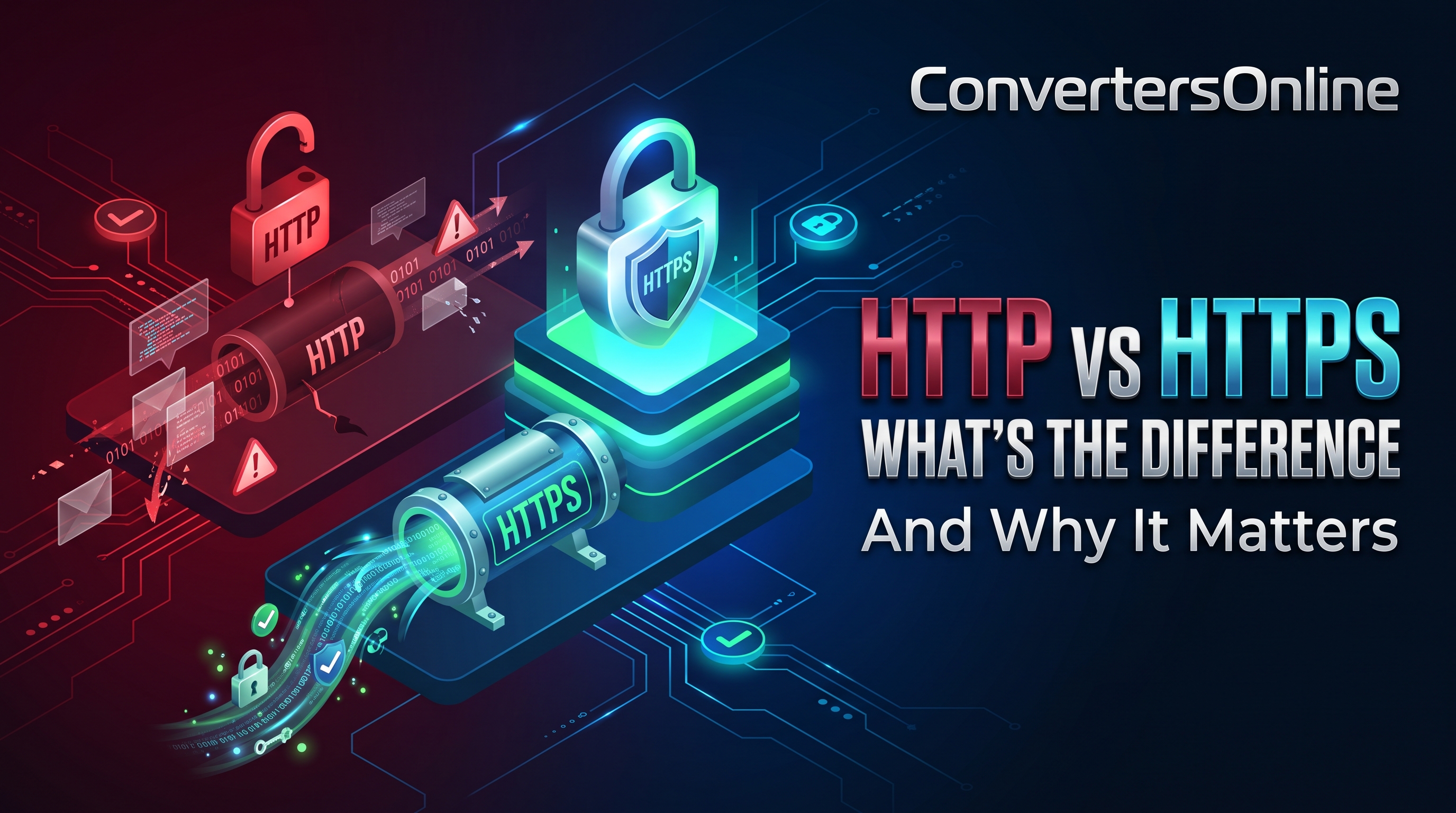
HTTP vs HTTPS: What's the Difference and Why It Matters
Look at the address bar of your browser. Some web addresses start with http:// and others with https:// — that single letter "s" represents one of the most important security upgrades in the history of the web. It is the difference between your data traveling across the internet in plain text that anyone can read, and traveling in encrypted form that only you and the website can understand.
This guide explains what HTTP and HTTPS actually are, how the encryption works, why it matters for every site you visit, and what the padlock icon in your browser really tells you.
What HTTP Is
HTTP stands for Hypertext Transfer Protocol. It is the set of rules that web browsers and web servers use to talk to each other: your browser sends a request ("give me this page"), and the server sends back a response (the page's HTML, images, and other files).
HTTP was designed in the early days of the web, when security was barely a consideration. Its fundamental weakness: everything is sent in plaintext. Every page you view, every form you submit, every password you type travels across the network as readable text.
That matters because your data does not travel directly from your device to the website. It hops through many points: your Wi-Fi router, your internet provider's equipment, and various networks in between. On an unsecured network — a coffee shop Wi-Fi, for example — anyone with basic tools can intercept and read HTTP traffic. Passwords, messages, credit card numbers: all visible.
What the "S" Adds: HTTPS Explained
HTTPS is HTTP with encryption layered underneath, provided by protocols called SSL and its successor TLS (Transport Layer Security). When people say "SSL" today, they almost always mean TLS — the name SSL just stuck around.
When you connect to an HTTPS site, before any page content is exchanged, your browser and the server perform a TLS handshake:
- The server proves its identity by presenting a digital certificate, issued by a trusted Certificate Authority (CA)
- Your browser verifies the certificate — checking it is valid, unexpired, issued for that exact domain, and signed by a CA your system trusts
- Encryption keys are negotiated so both sides can encrypt and decrypt the conversation
- All further communication is encrypted — requests, responses, form data, cookies, everything
From that point on, anyone intercepting the traffic sees only meaningless scrambled data. They can tell you are talking to a particular website, but not which pages you visit or what you type.
Certificates: How Your Browser Knows a Site Is Genuine
The certificate is what makes HTTPS more than just encryption — it provides authentication. Without it, you could have a perfectly encrypted connection to an attacker's server.
Certificates are issued by Certificate Authorities, organizations that verify a site owner's control over a domain before issuing a certificate for it. Your browser and operating system ship with a list of trusted CAs. When a site presents a certificate signed by one of them, your browser accepts the site's identity.
There are different validation levels:
- Domain Validation (DV) — the CA verifies the applicant controls the domain. This is the most common type and what free providers like Let's Encrypt issue. It is sufficient for encryption.
- Organization Validation (OV) — the CA also verifies the organization's identity, shown in certificate details.
- Extended Validation (EV) — the strictest checks. Browsers no longer give EV certificates special visual treatment, so their use has declined.
For most websites, a DV certificate provides exactly the security users need. The important thing is that a valid certificate exists — not which validation level it has.
What the Padlock Icon Really Means (and Doesn't)
Browsers show a padlock icon for HTTPS sites. Here is what it actually guarantees:
- Your connection to the site is encrypted — no eavesdropper can read the traffic
- The site's identity was verified — the certificate matched the domain and was issued by a trusted CA
- The data has not been tampered with in transit
Here is what it does not mean:
- The site is trustworthy. A phishing site can have a perfectly valid HTTPS certificate. The padlock means the connection is private, not that the business is honest. Attackers routinely get free certificates for their fake sites.
- Everything about your visit is hidden. Your internet provider can still see which domain you connected to (though not the specific pages, especially with newer privacy features).
- The site's own security is good. HTTPS protects data in transit; it says nothing about how the site stores your data on its servers.
So treat the padlock as necessary but not sufficient: its absence is a warning, but its presence is not a seal of approval.
Why HTTPS Matters for Every Site, Not Just Banks
Years ago, people thought only banks and shops needed HTTPS. That thinking is outdated for several reasons:
Passwords and logins are everywhere. Blogs, forums, and social sites all have logins. Without HTTPS, those credentials travel in plaintext.
Privacy matters on every page. Without encryption, anyone on the network can see exactly which articles you read, which health topics you search, which products you view. HTTPS keeps your browsing habits private from snoopers.
Integrity, not just secrecy. HTTPS also prevents tampering. On HTTP, a malicious network operator can inject ads, malware, or modified content into pages as they load. HTTPS makes this tampering detectable and therefore impractical.
Modern web features require it. Geolocation, camera access, push notifications, and service workers (the technology behind offline-capable web apps) only work on HTTPS. Browsers have made it a baseline requirement.
Search engines prefer it. Google has used HTTPS as a ranking signal since 2014 and labels HTTP pages "Not Secure" in Chrome. For site owners, HTTPS is now table stakes for SEO.
How to Tell If a Site Uses HTTPS
- Check the address bar: the URL starts with
https://and shows a padlock icon - Click the padlock to see certificate details: who issued it, who it was issued to, and when it expires
- Watch for warnings: browsers now prominently label HTTP login or payment pages as "Not Secure"
- Certificate warnings are serious: if your browser warns that a certificate is invalid or expired, do not click through — especially on sites where you would enter credentials. It could indicate an attack or a misconfigured server, and either way you should not proceed with sensitive actions
For Website Owners: Getting HTTPS Is Easy Now
If you run a website, there is no excuse left for staying on HTTP:
- Free certificates are available from Let's Encrypt and are trusted by all major browsers
- Many hosting providers offer one-click HTTPS setup, and some enable it by default
- CDNs and platforms (Cloudflare, Netlify, and similar) provide HTTPS automatically
- Mixed content is the main migration headache: after switching, make sure images, scripts, and stylesheets also load over HTTPS, or browsers will block or warn about them
- Redirect all HTTP traffic to HTTPS with a permanent (301) redirect so nobody accidentally uses the insecure version
The performance cost that people worried about a decade ago is negligible today — modern TLS is fast, and HTTP/2 and HTTP/3 (which require HTTPS in practice) actually make secure sites faster.
Frequently Asked Questions
Is HTTPS the same as a VPN? No. HTTPS encrypts traffic between you and one specific website. A VPN encrypts all your traffic and routes it through the VPN provider's server, hiding your activity from your internet provider. They solve different problems and can be used together.
Can my employer or ISP see HTTPS traffic? They can see which domains you connect to and when, but not the specific pages or content. On a work device with company-installed certificates, though, the employer may be able to inspect even HTTPS traffic — another reason to keep personal browsing off work devices.
Why do some sites still use HTTP? Usually neglect: old sites nobody maintains, or misconfigured servers. There is no good technical reason in 2026. Avoid entering any personal information on HTTP pages.
What is TLS 1.3? The latest version of the encryption protocol behind HTTPS. It makes connections faster (fewer round trips in the handshake) and removes older, weaker cryptographic options. Most modern sites and browsers use it automatically.
Key Takeaways
- HTTP sends everything in plaintext — readable by anyone on the network path
- HTTPS adds TLS encryption plus identity verification via digital certificates
- The padlock means the connection is private, not that the site itself is trustworthy
- Every site needs HTTPS — for privacy, integrity, modern features, and search ranking
- Never enter passwords or payment details on an HTTP page, and never click through certificate warnings for sensitive sites
That one letter "s" is doing enormous work every time you browse. Now you know exactly what it is doing — and why you should expect it everywhere.
Related Articles
Related Articles
- Two-Factor Authentication (2FA): The Complete Guide
- Password Managers: Why You Need One in 2026
- How to Spot Phishing Emails Before It's Too Late
- Public and Private Keys Explained Simply
- Browser Cookies Explained: What They Do
- How to Stay Safe on Public WiFi
Try Our Free Tools
Try Our Free Tools