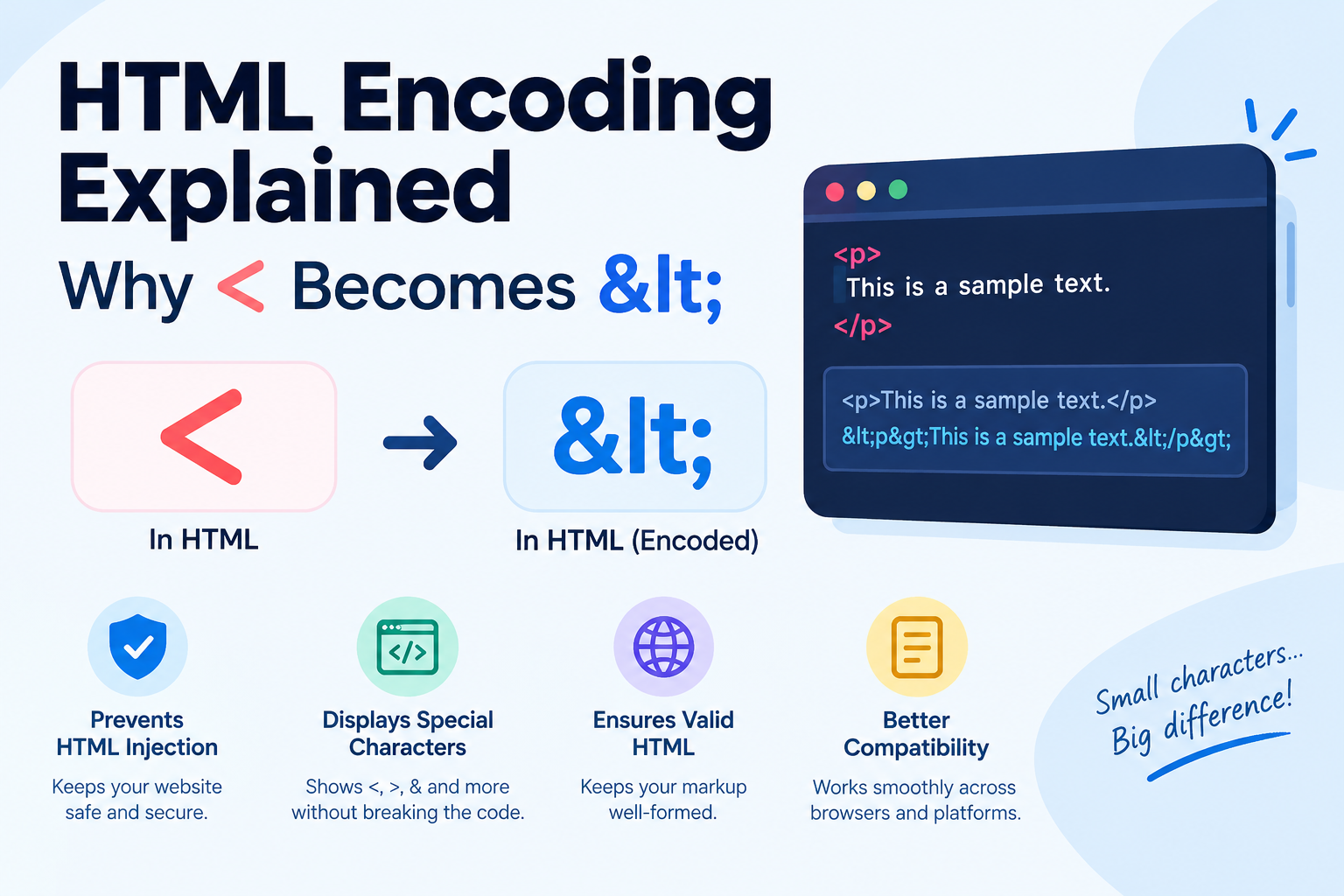
HTML Encoding Explained: Why < Becomes <
Have you ever tried to display a piece of code on a webpage and watched the browser swallow half of it? You type <div> into your content, and instead of showing the text, the browser treats it as an actual HTML tag — and it disappears. The fix is HTML encoding: turning special characters into safe text representations like < that browsers display literally. It's a small concept that sits underneath a surprising amount of the web. Here's how it works.
What Are HTML Entities?
In HTML, certain characters have special jobs. < and > mark the start and end of tags. & introduces special sequences. Quotation marks delimit attribute values. Because of this, you can't just type these characters when you want them to appear as visible text — the browser will interpret them as markup.
An HTML entity is a sequence of characters that represents one special character. It always starts with & and ends with ;. There are two forms:
- Named entities:
<means<,>means>,&means&,"means". - Numeric entities:
<also means<(60 is its Unicode code point), and<is the hexadecimal version.
Named entities are easier to read; numeric entities can represent any character. Both are fully equivalent to the browser.
Why Encoding Is Needed
1. Displaying code and special characters on a page
This is the most common reason. If you write a tutorial showing HTML examples, or you want to display the literal text 5 < 10 or Tom & Jerry, you must encode the special characters:
- Raw:
5 < 10— a browser may try to interpret< 10as a tag and hide it. - Encoded:
5 < 10— the browser displays exactly5 < 10.
Without encoding, your content gets mangled. With it, what you type is what readers see.
2. Preventing broken markup
Imagine a comment form where a user writes I <3 this product. If that text is inserted into the page unencoded, the <3 confuses the HTML parser and can break the layout of everything around it. Encoding user-supplied content before displaying it keeps the page structure intact.
3. A basic layer of defense against XSS
Cross-site scripting (XSS) is an attack where someone injects malicious scripts into a page other people view — for example, posting <script>stealCookies()</script> in a comment box. If the site encodes user input before rendering it, the browser displays the script as harmless text instead of running it.
To be clear: proper output encoding is one layer of XSS defense, not the whole story. Real applications also validate input, use Content Security Policies, and follow framework-specific escaping rules. But encoding <, >, &, quotes, and apostrophes in user content is the foundational habit.
4. Representing characters your keyboard lacks
Entities also let you insert characters that are awkward to type: © for ©, € for €, — for —, for a non-breaking space. This was essential in the early web; today UTF-8 handles most of it, but entities remain handy.
The Most Common Entities: Reference Table
These cover the vast majority of day-to-day encoding needs:
Character | Named entity | Numeric entity | When you need it ----------|-----------------|----------------|------------------------------- < | < | < | Displaying tags or less-than signs > | > | > | Displaying tags or greater-than signs & | & | & | Displaying ampersands (company names, URLs) " | " | " | Quoted text inside attribute values ' | ' / ' | ' | Apostrophes inside attribute values (space) | |   | Non-breaking space that won't collapse © | © | © | Copyright symbol ® | ® | ® | Registered trademark € | € | € | Euro sign — | — | — | Em dash – | – | – | En dash
Important detail: encode & first. Since every entity starts with &, encoding the ampersand after everything else would double-encode your entities — < would become &lt;, which displays literally as < instead of <. Any decent encoder handles this ordering automatically, but it's worth knowing if you ever encode by hand.
Worked Example: Encoding
Let's encode a snippet of HTML so it can be displayed as text on a webpage. Original code:
<p class="note">Fish & Chips < 5€</p>
Step by step, encoding & first, then <, >, and ":
- Encode
&:Fish & Chips < 5€ - Encode
<:Fish & Chips < 5€ - Encode
":<p class="note">Fish & Chips < 5€</p>
Final encoded version:
<p class="note">Fish & Chips < 5€</p>
Paste that into an HTML page and the browser renders exactly the original code as visible text. The euro sign € needs no encoding in a UTF-8 page, so it's left as-is.
Worked Example: Decoding
Decoding is the reverse — turning entities back into characters. Say your CMS stored this:
Tom & Jerry <3 cartoons © 2024
Decoding replaces each entity with its character:
&→&<→<©→©
Result: Tom & Jerry <3 cartoons © 2024
Decoding is useful when you're processing scraped web content, migrating data between systems, or debugging why text displays oddly (double-encoded entities like &lt; are a classic symptom).
Encoding in Practice
- Bloggers and technical writers: when you show code in a post, your editor or CMS usually encodes it for you — but if code displays wrong, check whether encoding happened twice (double encoding) or not at all.
- Developers: every major language has a built-in encoder — JavaScript's textContent assignment, Python's
html.escape(), PHP'shtmlspecialchars(). Use them instead of hand-rolling replacements. - URL vs. HTML encoding: don't confuse them. URL encoding (
%20for space) is for addresses; HTML encoding ( ) is for page content. They solve different problems. - Online tools: a free HTML encode/decode tool — like the ones on Converters Online — is handy for one-off conversions: paste text, get entities, no code required.
Common Pitfalls
- Double encoding:
&becomes&amp;. Happens when content passes through two encoding steps. Symptom: readers see literal&text. - Forgetting to encode inside attributes:
<div title="Say "hi"">breaks because the inner quotes end the attribute early. Encode them as". - Encoding everything: only special characters need entities. Encoding normal letters (
hi) works but makes your source unreadable for no benefit. - Assuming encoding = security: encoding output is necessary but not sufficient against XSS. It's one layer among several.
Frequently Asked Questions
Q: What is the difference between HTML encoding and URL encoding? A: HTML encoding converts characters like < into entities like < so they display safely in webpages. URL encoding converts characters like spaces into %20 so they can appear safely in web addresses. Different problems, different formats.
Q: Do I need to encode every special character on my page? A: Only the ones with special meaning in HTML: <, >, &, and quotes inside attributes. Regular text, punctuation, and UTF-8 characters like € or — are fine as-is in a modern UTF-8 page.
Q: What does double encoding look like, and how do I fix it? A: You'll see literal text like & or < on the page instead of & or <. It happens when content is encoded twice. Fix it by decoding once, or by finding where the extra encoding step occurs in your pipeline.
Q: Is HTML encoding enough to stop XSS attacks? A: It's an essential layer, but not a complete defense on its own. Combine proper output encoding with input validation, Content Security Policies, and your framework's built-in escaping to protect against XSS properly.
Q: What's the difference between named and numeric entities? A: Nothing functional — < and < render identically. Named entities are easier for humans to read; numeric entities can represent any Unicode character, including ones with no named form.
Related Articles
- URL Anatomy: The Parts of a Web Address Explained
- Markdown Basics: Format Text Fast (Beginner's Guide)
- HTTP vs HTTPS: What's the Difference and Why It Matters
Try Our Free Tools