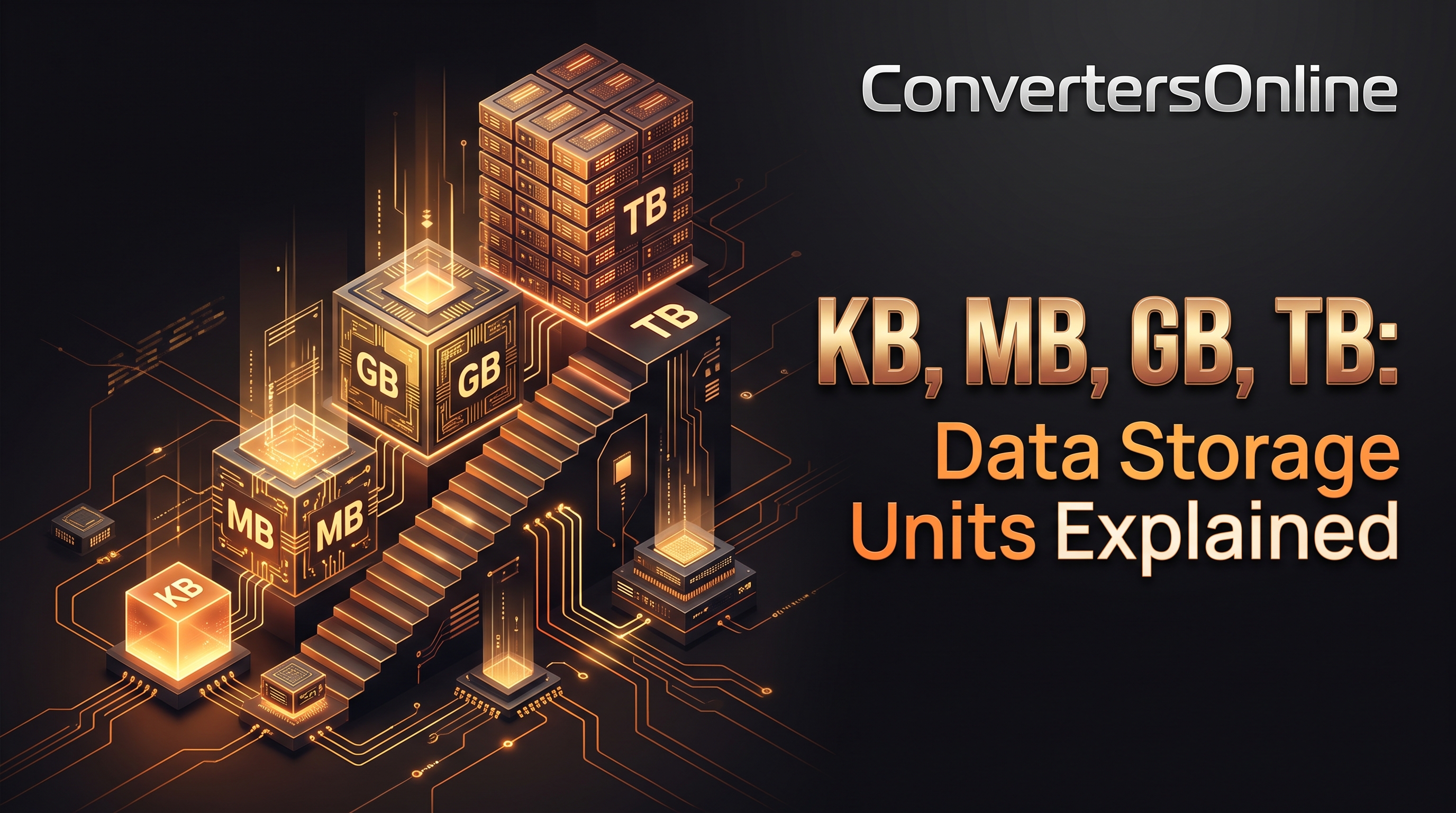
KB, MB, GB, TB: Data Storage Units Explained
Every time you buy a phone, download a movie, or check your internet speed, you run into letters like KB, MB, GB and TB. They measure digital data — but what do they actually mean, how big is each one, and why does your 500 GB hard drive only show 465 GB? This guide explains data storage units from the tiny bit up to the massive yottabyte, in plain language.
The Basics: Bits and Bytes
Everything digital starts with the bit — a single 0 or 1, the smallest possible unit of data. Eight bits grouped together make a byte, which is enough to represent one character of text (like the letter "A").
- Bit (b) — lowercase "b", a single binary digit (0 or 1)
- Byte (B) — uppercase "B", a group of 8 bits
This lowercase/uppercase distinction matters more than people think. Internet speeds are advertised in megabits per second (Mbps), while file sizes are shown in megabytes (MB). Since one byte equals eight bits, a 100 Mbps connection downloads at roughly 12.5 MB per second — not 100 MB. Mixing these up is the most common source of confusion about download speeds.
The Main Data Units, Smallest to Largest
Each step up the ladder multiplies the previous unit by roughly a thousand (or exactly 1,024 — more on that below):
- Kilobyte (KB) — about 1,000 bytes. A short plain-text email or a small icon.
- Megabyte (MB) — about 1,000 KB. A 3-minute MP3 song (~3–5 MB), a high-quality photo (~2–8 MB).
- Gigabyte (GB) — about 1,000 MB. An HD movie (~4–8 GB), a modern smartphone game (~2–10 GB).
- Terabyte (TB) — about 1,000 GB. External hard drives commonly come in 1–4 TB sizes; roughly 250,000 MP3 songs fit in 1 TB.
- Petabyte (PB) — about 1,000 TB. Large company databases and data centers measure in petabytes.
- Exabyte (EB) — about 1,000 PB. Global internet traffic is measured in exabytes per month.
- Zettabyte (ZB) — about 1,000 EB. Total global data created per year is now measured in zettabytes.
- Yottabyte (YB) — about 1,000 ZB. The largest officially recognized unit — more of a theoretical scale for now.
For everyday life, you will mostly deal with KB, MB, GB and TB.
Why Are There Two Numbering Systems? (1,000 vs 1,024)
Here is where it gets slightly tricky. There are two ways to count:
Decimal (base 10): 1 KB = 1,000 bytes. Used by hard drive manufacturers and in networking. The units are KB, MB, GB, TB.
Binary (base 2): 1 KiB = 1,024 bytes. Used by operating systems and memory manufacturers. The units are KiB, MiB, GiB, TiB (note the "i" — kibi, mebi, gibi).
Computers work in powers of two, and 2^10 = 1,024, so early computer engineers rounded "about a thousand" to 1,024. This is why your 500 GB hard drive shows up as ~465 GB in Windows: the manufacturer counts 500,000,000,000 bytes (decimal), but Windows divides by 1,024 repeatedly (binary) and reports the result. Nobody is cheating you — the drive really does hold 500 billion bytes; the two sides just count differently.
In practice, most people say "KB/MB/GB" loosely for both systems. Just remember: storage makers use 1,000, your operating system uses 1,024.
Real-World Examples: What Fits Where?
To build intuition, here are typical file sizes:
Plain text email ............ 5–10 KB
Word document ............... 50–200 KB
MP3 song (3 minutes) ........ 3–5 MB
High-resolution photo ....... 2–8 MB
HD movie (streaming) ........ 4–8 GB
4K movie .................... 15–25 GB
Modern PC game .............. 50–150 GB
And what common storage devices hold:
16 GB USB flash drive ....... ~4,000 MP3 songs
128 GB phone ................ ~30,000 photos
512 GB laptop ............... ~100 HD movies
1 TB external drive ......... ~250,000 songs or ~200,000 photos
4 TB backup drive ........... a full family photo/video archive
Data Units vs Internet Speed
Your internet plan says "200 Mbps" — that is megabits, not megabytes. To estimate real download speed, divide by 8:
Advertised speed      Real download speed      1 GB file takes
25 Mbps               ~3.1 MB/s                ~5.5 minutes
100 Mbps              ~12.5 MB/s               ~80 seconds
500 Mbps              ~62.5 MB/s               ~16 seconds
1 Gbps (1000 Mbps)    ~125 MB/s                ~8 seconds
This is also why streaming services quote video quality in Mbps: Netflix 4K needs about 25 Mbps of sustained bandwidth. Mobile data caps, on the other hand, are measured in GB — a 10 GB monthly plan lets you stream roughly 3 hours of HD video.
Quick Conversion Trick
To convert between units, just move in steps of ~1,000:
- MB → GB: divide by 1,000 (5,000 MB ≈ 5 GB)
- GB → MB: multiply by 1,000 (2.5 GB ≈ 2,500 MB)
- KB → MB: divide by 1,000 (8,000 KB ≈ 8 MB)
For rough everyday math, 1,000 is close enough. Use 1,024 only when precision matters (like partitioning drives).
Choosing Storage: How Much Do You Need?
- 64–128 GB phone: fine for light users (apps, some photos, streaming instead of downloading).
- 256 GB phone/laptop: the sweet spot for most people — room for photos, offline music, and a few games.
- 512 GB–1 TB: photographers, video editors, and gamers who keep large files locally.
- 2 TB+ external drive: backups. A good rule: your backup drive should be at least as large as the device it backs up.
Remember that the operating system and pre-installed apps eat a chunk first — a "128 GB" phone usually gives you around 110–115 GB of usable space.
Key Takeaways
- A bit is a single 0/1; a byte is 8 bits.
- KB → MB → GB → TB → PB, each step roughly ×1,000.
- Internet speeds use bits (Mbps); file sizes use bytes (MB) — divide by 8 to convert.
- The 1,000 vs 1,024 difference explains why drives show less space than advertised.
- For daily use, think in GB (phone storage, data plans) and TB (backup drives).
Frequently Asked Questions
Is a KB bigger than a MB? No — a megabyte is about 1,000 times bigger than a kilobyte. The order from smallest is: bit, byte, KB, MB, GB, TB, PB.
Why is my internet 100 Mbps but downloads are only 12 MB/s? Because of the bit/byte difference. Divide megabits by 8 to get megabytes: 100 ÷ 8 = 12.5 MB/s.
How many photos fit in 1 GB? Roughly 200–400 smartphone photos (at 2–5 MB each), depending on resolution and compression.
What comes after terabyte? Petabyte (PB), then exabyte (EB), zettabyte (ZB), and yottabyte (YB) — each about 1,000× the previous.
Conclusion
Data units look intimidating, but the whole system is just powers of a thousand stacked on the humble byte. Once you know that a photo is a few megabytes, a movie is a few gigabytes, and your internet speed in megabits needs dividing by eight, the numbers on every spec sheet and data plan start making sense. Next time a salesperson talks about terabytes, you will know exactly what you are getting.
Related Articles
Related Articles
- Binary Numbers Explained: How Computers Count
- Exchange Rates Explained: How Currency Conversion Works
- JPG vs PNG vs SVG vs WebP: Image Formats Compared
- DPI vs Pixels: What's the Difference
- Aspect Ratios Explained: 16:9, 4:3, 1:1 and More
- Roman Numerals: How They Work With a Conversion Chart