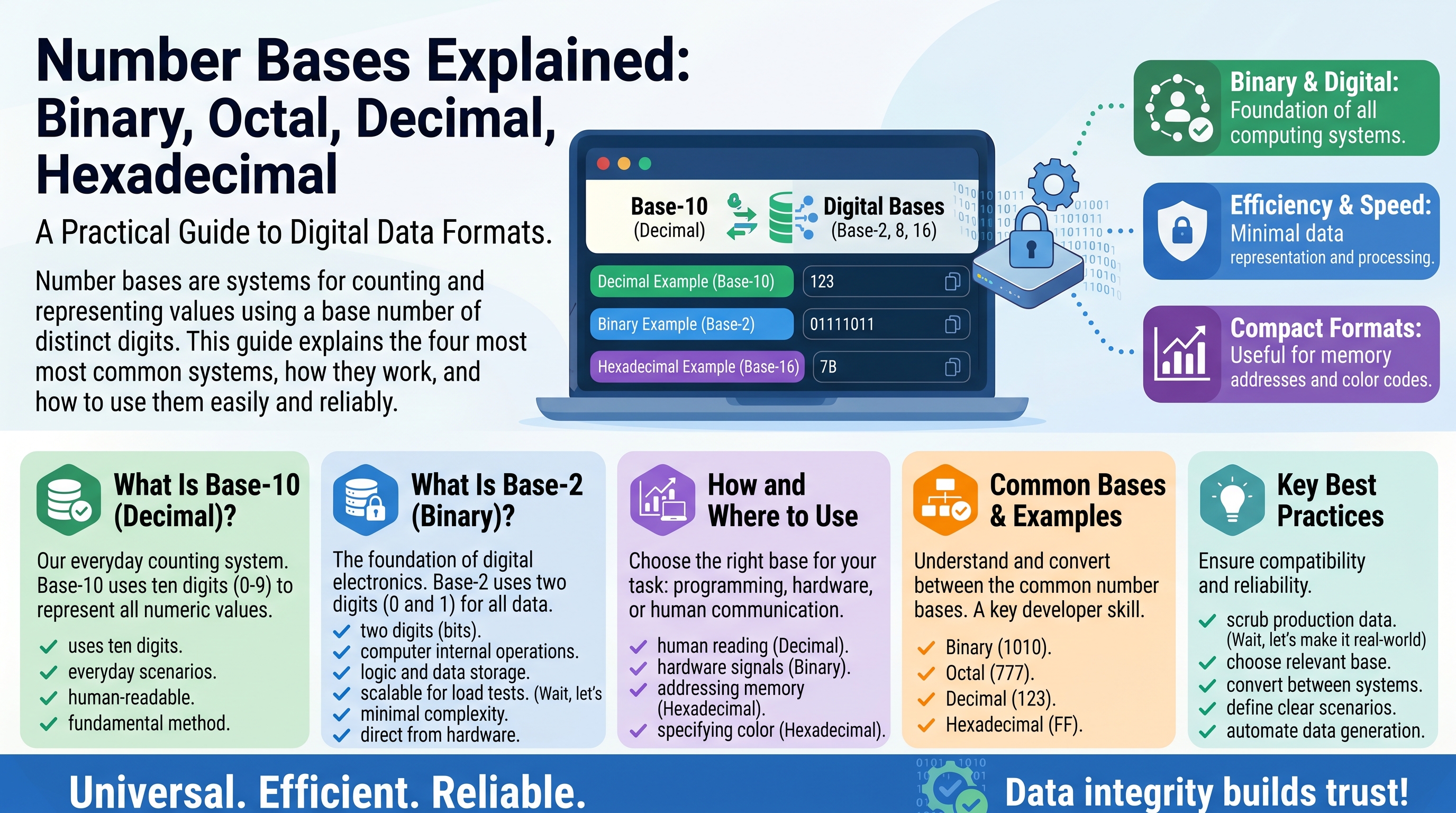
Number Bases Explained: Binary, Octal, Decimal, Hexadecimal
You count in tens without thinking about it. Ten fingers, ten digits, and a number system built around the number 10. But the moment you step into programming, networking, or electronics, you meet numbers that look strange: 0xFF, 0b1010, 0755. These are the same values you already know, written in different number bases.
A number base is simply the set of digits a counting system uses and how much each position is worth. Once you understand that one idea, binary, octal, decimal, and hexadecimal all click into place — and converting between them becomes a mechanical skill rather than a mystery.
What Is a Number Base, Really?
A number base (also called a radix) is the number of unique digits a numeral system uses, including zero. Decimal uses ten digits (0–9), so it is base 10. Binary uses two digits (0 and 1), so it is base 2.
Every system you will meet here uses positional notation: the value of a digit depends on where it sits. Take the decimal number 742. The 7 does not mean seven — it means seven hundreds, because of its position:
742 = 7 × 100 + 4 × 10 + 2 × 1
    = 7 × 10² + 4 × 10¹ + 2 × 10⁰
Each position is worth the base raised to a power, counting from zero on the right. That single rule works for every base. In base 2, the positions are worth 1, 2, 4, 8, 16, and so on. In base 16, they are worth 1, 16, 256, 4096. Change the base, keep the rule, and you can read any number in any system.
Decimal: The Base-10 System We All Grew Up With
Decimal is base 10, using the digits 0 through 9. It dominates everyday life almost certainly because humans have ten fingers, which made counting in tens natural long before writing existed.
In computing, decimal shows up wherever humans need to read numbers comfortably: line counts, file sizes in user interfaces, pixel dimensions, and configuration values. But inside the machine, everything is converted to binary before any real work happens. Decimal is the human-friendly surface; it is rarely what the hardware actually uses.
Binary: Base 2, the Language of Computers
Binary uses only two digits, 0 and 1. Each binary digit is called a bit, eight bits make a byte, and four bits make a nibble. A wire carrying electrical current is either on or off, high voltage or low voltage — two states, which map perfectly onto two digits. That is the entire reason computers count in binary.
Counting in binary looks like this:
Decimal:  0  1  2   3   4   5   6   7   8
Binary:   0  1  10  11  100 101 110 111 1000
Each time you run out of digits, you add a new position on the left — exactly like decimal rolling from 9 to 10. If you want the full story of binary counting, bit operations, and two's complement, that deserves its own deep dive. Here, the key point is that binary is the ground truth every other base is translated into.
Octal: Base 8, the Quiet Survivor
Octal is base 8, using the digits 0 through 7. There is no 8 or 9 in octal — after 7 comes 10 (which means eight). Each octal digit maps neatly onto exactly three binary bits:
Octal:  0    1    2    3    4    5    6    7
Binary: 000  001  010  011  100  101  110  111
Octal mattered enormously in early computing because machines like the PDP-8 used word sizes divisible by three. Today it survives in one famous place: Unix file permissions. When you run chmod 755, those three digits are octal. Each digit encodes three permission bits — read, write, execute — for the owner, group, and others:
7 = 111 = read + write + execute
5 = 101 = read + execute
4 = 100 = read only
So 755 in octal is 111 101 101 in binary: full permissions for the owner, read-and-execute for everyone else. You will also meet octal in C-style escape sequences like \101 (which is the letter A) and in some legacy configuration formats.
Hexadecimal: Base 16, the Programmer's Shorthand
Hexadecimal — usually shortened to hex — is base 16. It needs sixteen digits, so after 0–9 it borrows the letters A through F:
Hex:     0  1  2  3  4  5  6  7  8  9  A   B   C   D   E   F
Decimal:  0  1  2  3  4  5  6  7  8  9  10  11  12  13  14  15
Each hex digit maps onto exactly four binary bits — one nibble. That makes hex the perfect shorthand for binary: two hex digits describe a full byte, which is why you see it everywhere in programming:
- Memory addresses and pointers:
0x7FFF5A3C - Color codes in web design:
#FF5733— FF red, 57 green, 33 blue - Error codes and status flags: Windows errors like
0x80070005 - Cryptographic hashes: SHA-256 digests printed as 64 hex characters
- MAC addresses and IPv6:
2001:0db8:85a3::8a2e:0370:7334
A 32-bit binary number needs 32 characters to write out but only 8 in hex. Readability is the whole point: hex is binary made human-legible.
Converting Between Number Bases
Conversions look intimidating until you practice them twice. There are only a few techniques, and they all come from the positional-notation rule.
Binary to Decimal: Multiply by Place Value
Write the place values (1, 2, 4, 8, 16…) under the bits from right to left, then add up the positions holding a 1:
Binary:  1    0    1    1    0
Value:   16   8    4    2    1

10110 = 16 + 4 + 2 = 22 in decimal
Decimal to Binary: Divide by 2 Repeatedly
Divide by 2, record each remainder, and read the remainders from bottom to top:
22 ÷ 2 = 11 remainder 0
11 ÷ 2 = 5  remainder 1
5  ÷ 2 = 2  remainder 1
2  ÷ 2 = 1  remainder 0
1  ÷ 2 = 0  remainder 1

Read bottom to top: 10110
The Shortcut: Binary to Hexadecimal in Groups of Four
Because one hex digit equals four bits, split the binary number into groups of four from the right, then replace each group with its hex digit:
Binary:  1111  0101  0111  0011
Hex:       F     5     7     3

1111010101110011 (binary) = F573 (hex)
Going the other direction is just as easy: expand each hex digit into four bits. This shortcut is why programmers love hex — translation to and from binary is instant, with no arithmetic.
Binary to Octal in Groups of Three
Same trick, groups of three:
Binary:  111  101  011
Octal:     7    5    3

111101011 (binary) = 753 (octal)
Hexadecimal to Decimal: Multiply by Powers of 16
Apply positional notation with powers of 16. Remember A=10 through F=15:
2A7 (hex) = 2 × 256 + 10 × 16 + 7 × 1
          = 512 + 160 + 7
          = 679 (decimal)
When converting by hand, it is usually fastest to go through binary as an intermediate step: hex → binary (expand digits) → decimal (add place values).
Number Bases in Real Programming Languages
Most languages let you write integer literals directly in other bases using a prefix:
0b10110   # binary  (Python, JavaScript, Java)
0o755     # octal   (Python, JavaScript)
0xFF      # hexadecimal (almost every language)
Try these in a Python console and watch them print as decimal:
>>> 0b10110
22
>>> 0o755
493
>>> 0xFF
255
Notice that 0o755 — the famous chmod value — is 493 in decimal, which shows why permissions are never written in decimal. The octal form carries meaning; the decimal form is just a number.
Common Mistakes Beginners Make
- Confusing the digit 0 with the letter O. In hex,
0x0FFis valid;0xOFFis not a number at all. - Leading zeros meaning octal. In older JavaScript and in C, a leading zero marks octal:
010is 8, not 10. Modern code uses the explicit0oprefix to avoid this trap. - Forgetting which base a function expects. Parsing
"FF"as decimal gives an error or garbage; you must say base 16 explicitly, e.g.int("FF", 16)in Python orparseInt("FF", 16)in JavaScript. - Hex letter case.
0xffand0xFFare identical — case never matters in hexadecimal. - Miscounting bits. A byte is 8 bits = 2 hex digits. If your hex string has an odd number of digits, you probably dropped a leading zero.
Frequently Asked Questions
Why do programmers use hexadecimal instead of just binary? Because binary strings get unreadably long. A memory address in binary is 64 characters; in hex it is 16. Hex keeps the exact bit structure visible while staying compact.
Is octal still worth learning? Yes, at least the basics. Unix file permissions are octal, and you will keep meeting chmod 644 and chmod 755 for your entire career. Beyond that, hex has replaced octal almost everywhere else.
Which base should I learn first? Binary, because it is the foundation. Then hexadecimal, because it is the daily tool. Octal you can pick up on demand when permissions come up.
Can a number be written in any base? Any integer can be written in any base from 2 upward. Bases above 16 exist too — base 64 is used in data encoding — but 2, 8, 10, and 16 cover nearly everything you will encounter.
Key Takeaways
- A number base is the count of unique digits a system uses; positional notation gives each position a value of base raised to a power.
- Binary (base 2) is what hardware uses; decimal (base 10) is what humans read; hex (base 16) is the bridge between them.
- Octal (base 8) survives mainly in Unix file permissions like
755. - Convert binary ↔ hex by grouping bits in fours, and binary ↔ octal in threes — no arithmetic needed.
- In code,
0b,0o, and0xprefixes let you write literals in binary, octal, and hex directly.
Conclusion
Number bases stop feeling strange the moment you see them as one idea wearing four costumes. Decimal is home territory. Binary is the machine's native tongue. Octal is a historical artifact that still guards your file permissions. And hexadecimal is the working programmer's shorthand for thinking in bits without drowning in ones and zeros. Learn the positional rule, practice the group-of-four trick, and notations like 0xFF will read as naturally as the number 255.
Related Articles
Related Articles
- Exchange Rates Explained: How Currency Conversion Works
- DPI vs Pixels: What's the Difference
- Aspect Ratios Explained: 16:9, 4:3, 1:1 and More
- Roman Numerals: How They Work With a Conversion Chart
- Test Data and Fake Data: A Developer's Guide
- Morse Code Explained: Dots, Dashes and How to Learn It
Try Our Free Tools
Try Our Free Tools